No description
- C++ 99.2%
- Makefile 0.8%
| .github | ||
| .vscode | ||
| app | ||
| assets/gfx | ||
| include | ||
| libs | ||
| resources | ||
| romfs | ||
| source | ||
| Universal-Core@a5448d1f57 | ||
| .gitignore | ||
| .gitmodules | ||
| clean.bat | ||
| compile.bat | ||
| crowdin.yml | ||
| LICENSE | ||
| Makefile | ||
| README.md | ||


An easy to use app for installing and updating 3DS homebrew




Universal-Updater is a homebrew application for the Nintendo 3DS with the intention to make downloading other homebrew simple and easy. No need to manually copy files or go through installation processes, as it does that all for you.
Features
- A store format with a concept similar to the Cydia Repositories
- The default is Universal-DB
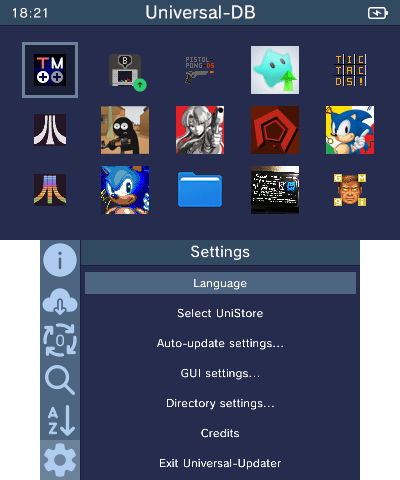
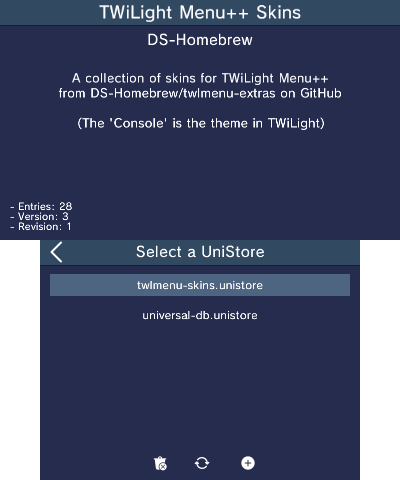
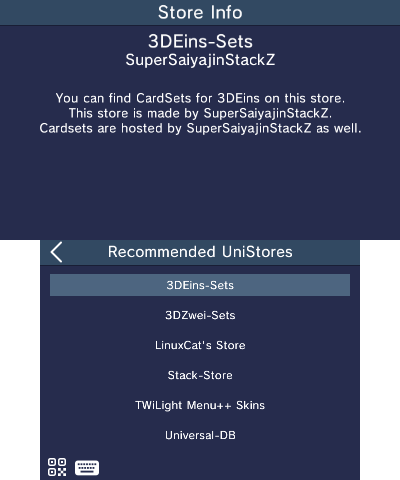
- Want to add more? Go to settings, choose "Select Unistore", click the + icon and select one from the list, enter a URL, or scan a QR code
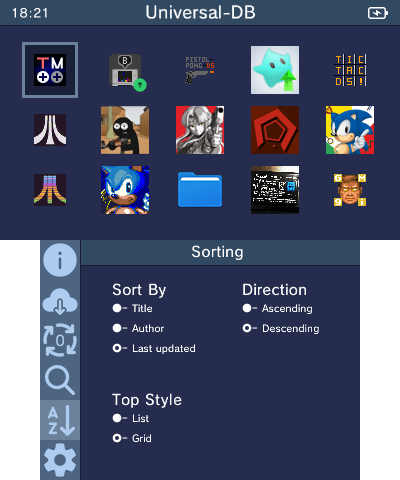
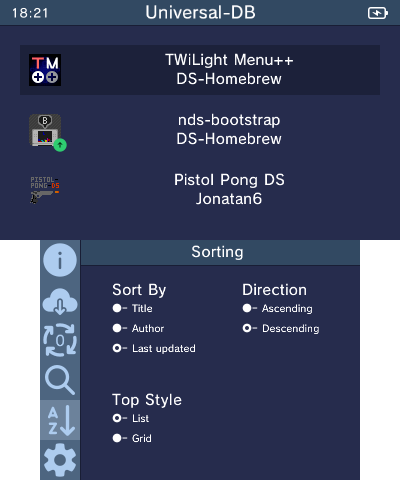
- Customization in sorting and display
- Several sorting keys: "Title", "Author", and "Last Updated"
- Direction can be Ascending or Descending
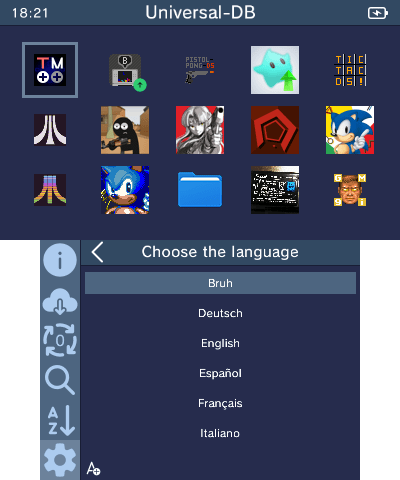
- App display can be shown in either a grid or rows
- Background installation so you can keep using the rest of the app while installing
- Searching and markings to make finding apps easy
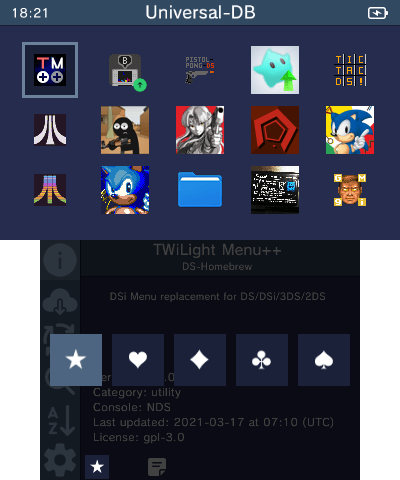
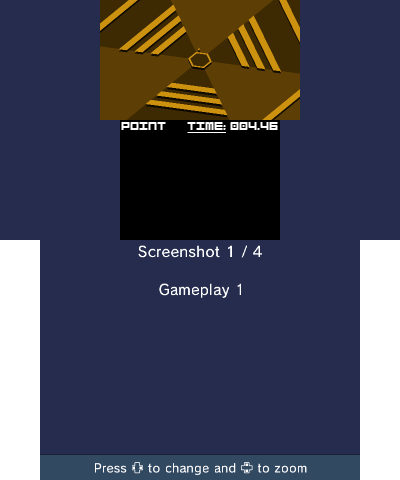
- Viewing screenshots and release notes for apps
- Shortcuts for easily updating frequently updated apps when using the Homebrew Launcher
- Translations for users of many languages
- To contribute to translations, join our Crowdin project
- To request a new language, join our Discord Server or contact a project manager on Crowdin
Compilation
Setting up your enviromment
To build Universal-Updater from source, you will need to setup devkitARM with libctru and 3ds-curl. Follow devkitPro's Getting Started page to install pacman, then run (sudo dkp-)pacman -S 3ds-dev 3ds-curl. You will also need bannertool and makerom in your PATH. Once you clone the repo (and its submodules), simply run make in the source code directory.
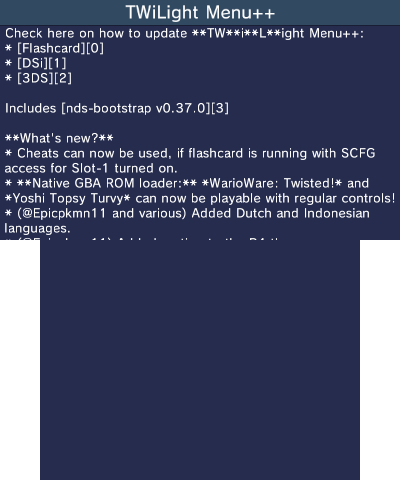
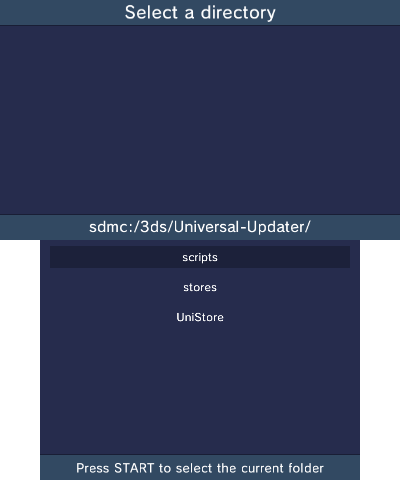
Screenshots
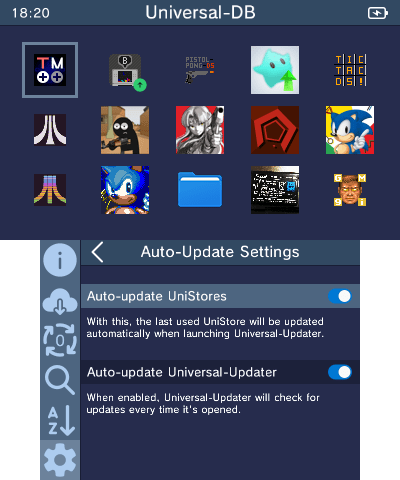
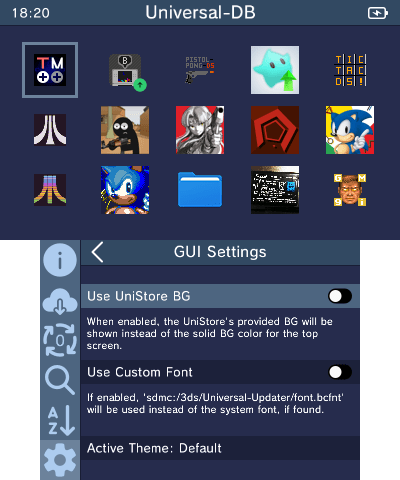
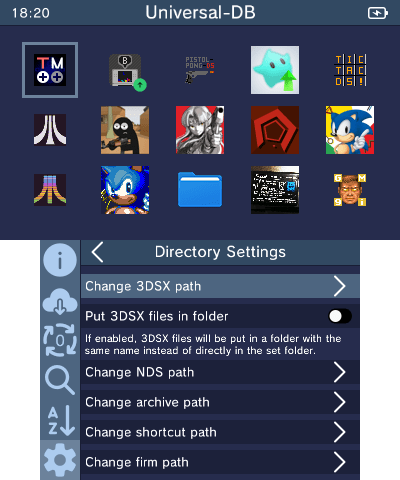
Screenshots
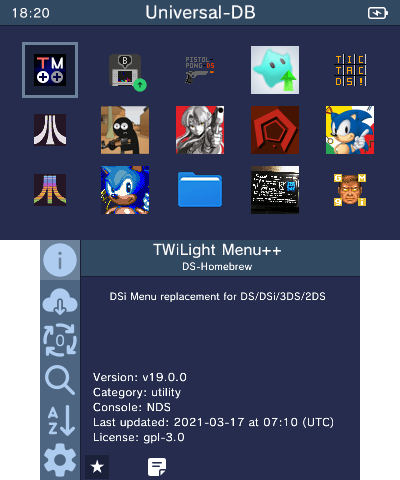
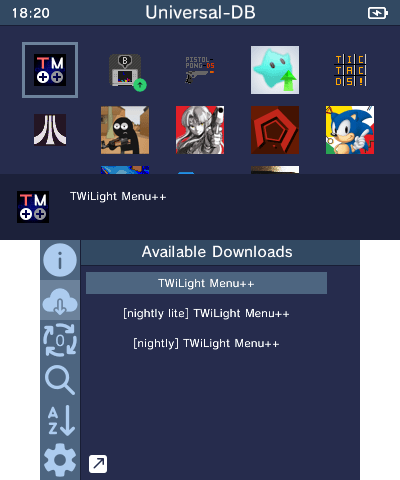
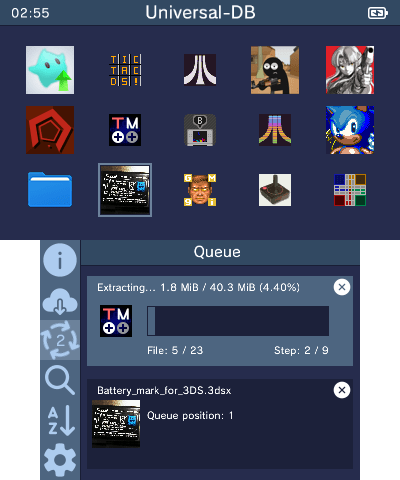
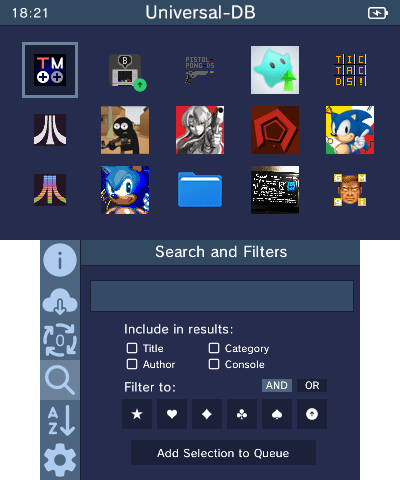
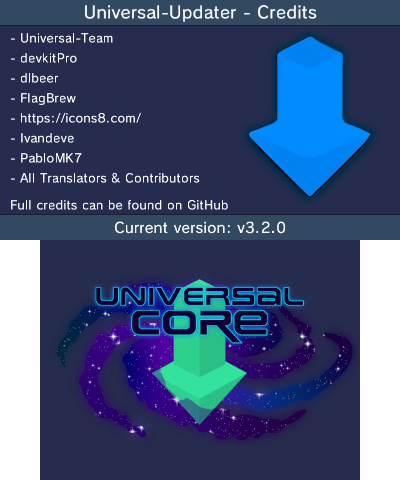
Credits
- SuperSaiyajinStackZ - Lead developer, reworked quirc to C++
- Pk11 - Mockup Designer, Website Maintainer
- NightScript - Concept Creator & Planner
- dlbeer - Original developer of quirc
- FlagBrew: Original QR Code Scanner code
- Icons8: Icon Designer
- lvandeve: For LodePNG
- PabloMK7: Download Code Improvements